
Thinking about about getting a new CCTV system?
Part 1: Cameras, security risks, storage and cabling
Most organisations put off replacing CCTV or a Video Management System. It is disruptive, it is expensive, and the options are hard to compare on paper.

Kris Simons
Sales Director, ATEC
“If a camera meets its operational requirement and is still supported, keep it. If it is out of support, caught by procurement restrictions, or failing its requirement, replace it. Age on its own tells you very little.”
In this article
Share on:
Do we have to change all our cameras?

Cameras tend to get written off for being old rather than for failing at anything. Many will run perfectly well on a modern VMS.
The test is the operational requirement. What is this camera for, and does it still deliver that? It is a defined methodology rather than a figure of speech. The Home Office / CAST Operational Requirements approach and BS EN 62676-4 give you the DORI categories, Detect, Observe, Recognise and Identify, along with the pixel density each one needs. If you can say which category a camera serves, you can measure whether it still meets it.
Analogue cameras on IP encoders still work on most current platforms. Resolution and low-light performance sit well below modern IP, although HD-over-coax has narrowed that on more recent installations. Two things catch people out. Motion detection on an encoded stream is handled server-side, which is CPU-hungry and produces far more false alarms than camera-side detection. And most VMS charge a full device licence per encoder channel, so 200 analogue channels cost the same to license as 200 new IP cameras. That usually settles the argument.
Older IP cameras are the more common case. Expect limits on resolution and streaming flexibility, basic motion detection, and no useful analytics. Most remain compatible with a modern VMS, but check rather than assume. ONVIF uses the term conformant, not compliant, and conformance is profile-specific. Profile S covers streaming, while H.265, audio, edge storage and metadata sit in later profiles. Plenty of kit is sold as “ONVIF compatible” on a partial implementation, and most platforms prefer their own native drivers, so falling back to ONVIF often costs you features. Check the model against the VMS supported device list before you commit.
Avoid upgrading on specification alone. A high-resolution camera with edge analytics is not automatically better. A camera covering a well-lit indoor area for general oversight does not need to identify faces.
Are our older cameras a security risk?
Performance is not the only test. A camera that no longer receives firmware updates is an unpatched device sitting on your network, and legacy IP cameras are among the most commonly exploited endpoints on corporate networks. Before deciding to keep an estate, find out whether the manufacturer still issues firmware for those models, whether default credentials were ever changed, and whether the cameras sit on a segmented VLAN.
Procurement can override the decision entirely. In November 2022 the UK government instructed departments to stop deploying surveillance equipment made by companies subject to China’s National Intelligence Law at sensitive sites, and to consider replacing existing equipment rather than waiting for scheduled upgrades.
Removal from the remaining sensitive sites was targeted for April 2025. There is no blanket UK ban covering private organisations, but a number of local authorities, retailers and critical infrastructure operators have taken the same position voluntarily, and anyone in a US federal supply chain is caught by Section 889 of the NDAA. If your estate is largely Hikvision or Dahua, whether the cameras work may not be the deciding factor.

Do we have to replace our storage and NVRs?
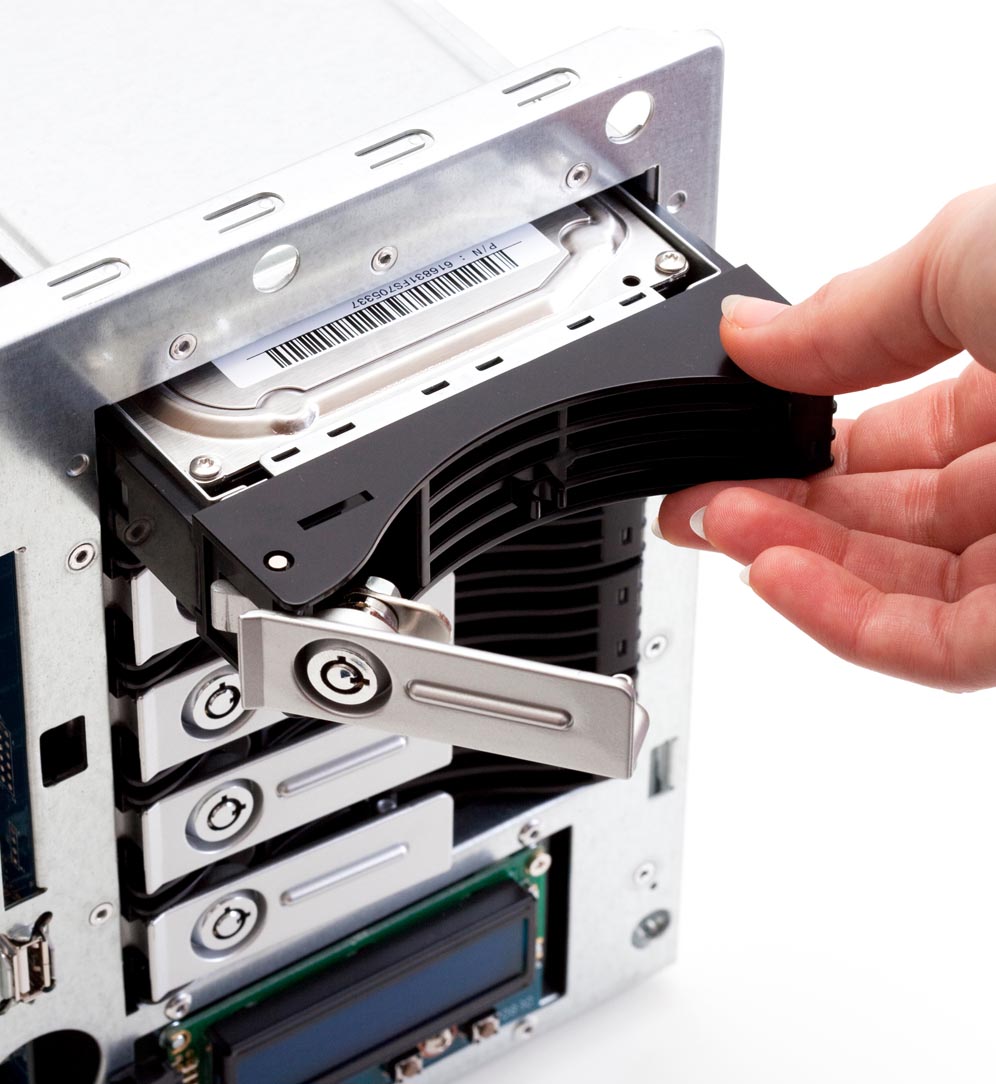
Storage on a large system is usually built up over years, so how much of it survives a platform change matters.
Separate two things that often get conflated. Reusing the hardware is frequently possible. Keeping the recordings almost never is.
Upgrading to a newer version of your current VMS rarely means replacing storage. Moving to a different platform, existing storage can often still be retained provided it is not tied to proprietary architecture. Standard Windows servers can usually be reused. Manufacturer-supplied appliances running proprietary firmware and hardware integrations are often difficult or impossible to repurpose.
Two checks are easy to skip. Disks in a 24/7 array are consumables, and reusing an out-of-warranty array to save capital cost is often a false economy once you account for failure rates and rebuild times on high-capacity drives. And the operating system needs to be on the new VMS supported list, not merely still booting.
The recordings are the harder problem. The server needs rebuilding, so existing footage does not come with it. If you hold 31 days, and longer in some sectors, you cannot rebuild the recorder on day one. You need a period of parallel running, a read-only decommissioning window, or a bulk export in an open format before the old system is wiped. Budget for it. It is a real cost and a real compliance risk.
What about the cabling and the switches?
This rarely comes up in the first conversation and regularly turns out to be one of the larger costs. Heated housings, PTZs and high-output IR draw more power than older models, so the existing PoE budget may not cover a like-for-like swap.
Coax kept alive with encoders needs replacing if those positions move to IP. Switch refresh, network segmentation and UPS capacity sit in the same envelope. Get it surveyed before the budget is fixed rather than after.

Final thoughts
If a camera meets its operational requirement and is still supported, keep it. If it is out of support, caught by procurement restrictions, or failing its requirement, replace it. Age on its own tells you very little.
Part two covers integration with access control and intruder systems, whether analytics and AI justify the spend, and where the cloud fits on a large estate.
Thinking about getting a new CCTV system? - Part 2
In part 2 we go through integration, analytics, AI, whether to go cloud or not and what the licensing costs are.
More on CCTV
Share on: