
Biometric on card: A practical route into biometric access control
Most organisations we speak to like the idea of biometric access control, then stall at the cost of getting there. Ripping out every reader, putting them all on the corporate network and bolting a separate biometric platform onto an existing access control system is a substantial piece of work. Biometric on card avoids most of it.

Kris Simons
Sales Director, ATEC
“We talk to a lot of organisations keen to use biometric access control but worried it’s unreliable, insecure and expensive to migrate to. Biometric on card is a great way in, and most people don’t know it’s an option. There’s no bespoke integration, it’s quick to install, and you can swap standard proximity readers for biometrics without new wiring or any dependency on your IT network.”
In this article
Share on:
How it works
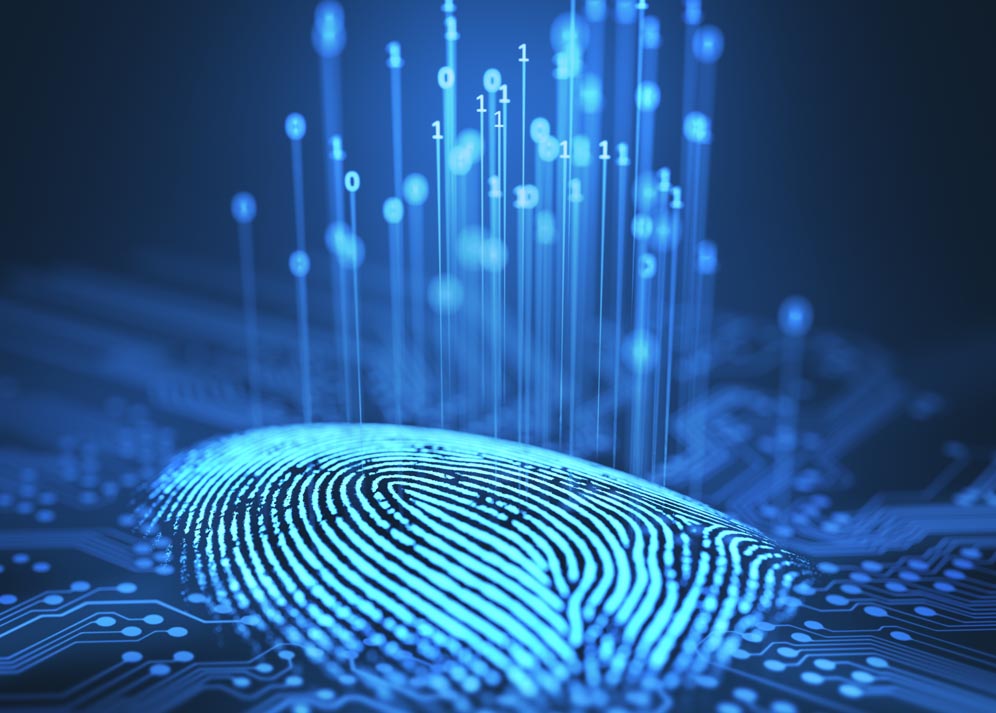
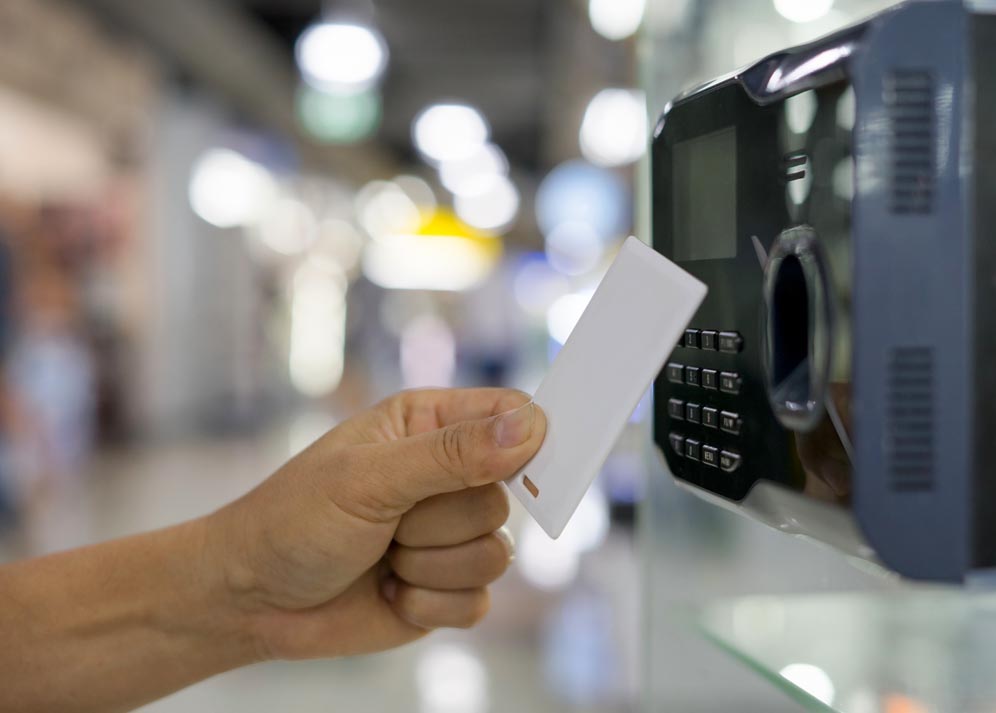
A biometric template is a mathematical representation of a fingerprint or face, not a picture of one. It is encoded onto the user’s smart card at the point of issue. At the door, the user presents the card and then their finger or face. The reader compares the live sample against the template on the card, and if they match it passes the credential to the door controller as normal.
There are two variants. With template on card, the reader pulls the template off the card and does the comparison itself. With match on card, the comparison happens inside the card’s secure element and the template never leaves it. Most mainstream integrations use template on card. Both keep biometric data off your servers; match on card is the stricter.
Either way you get genuine two-factor authentication.
Installation and infrastructure
This is where the approach earns its keep. Biometric readers used this way wire back to existing door controllers exactly like a proximity reader, over Wiegand or, preferably, OSDP on RS-485. In most cases the existing cable is reused and it is a straight swap at the reader.
Because verification happens at the door, between reader and card, the reader needs no live network connection to make an access decision. That removes a large chunk of infrastructure work and the IT dependency that slows these projects down. You will still want network access for commissioning and firmware, and biometric readers draw more current than a prox unit, so check the power budget. A failed reader is then replaced as easily as any other.
Reliability: verification, not identification

Biometrics have a reputation for being temperamental, and that mostly comes from 1:N identification, where a reader searches a database of thousands of templates to work out who you are. The larger the population, the more scope for false matches and rejections.
Biometric on card does not work that way. The card identifies the user, so the reader only ever makes a 1:1 comparison against a single stored template. It is quicker, considerably more reliable, and accuracy does not degrade as you add people. There is no template synchronisation between sites either. Someone working across five buildings carries their own credential and it works at every biometric reader you have installed.
Data protection and what the ICO expects
Keeping templates on cards is a sound privacy position, but it does not put you outside UK GDPR. Where biometric data uniquely identifies someone it is special category data under Article 9, and you need a lawful basis plus a separate Article 9 condition before you begin.
What it does give you is a far stronger case on data minimisation and proportionality. There is no central template database to secure, breach or be asked to delete, and the individual holds their own biometric data. You still need a DPIA, and you should still only deploy where the risk warrants it.
A template is not an encrypted photograph of a finger, and it is not mathematically unbreakable. The protection comes from the card’s AES keys and site-specific diversified keys, and from the fact a lost card is revoked like any other credential.

Cards, readers, costs and where to deploy it
Card choice is the thing most people get wrong. The template needs somewhere secure to live, and older MIFARE Classic 1K and 4K cards are not it: the Crypto-1 cipher they rely on has been publicly broken since 2008 and those cards can be cloned with cheap, freely available kit. MIFARE DESFire EV2 or EV3 is the right credential, using AES-128 with mutual authentication. A DESFire 4K leaves comfortable room for a template alongside your access control application; 2K gets tight once other applications are on there. If you are still on Classic, you only need to reissue to people using the biometric doors.
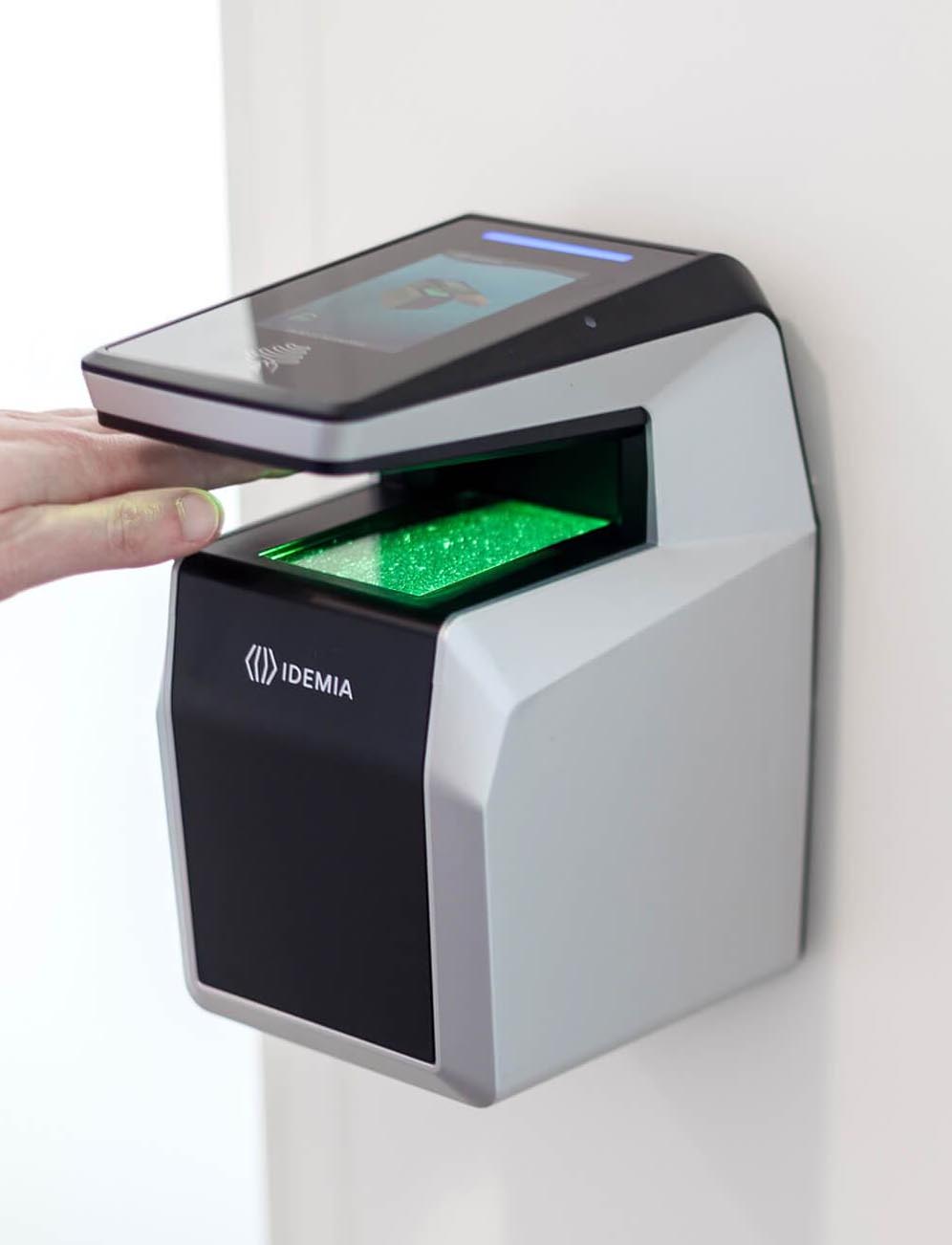
On hardware, a premium externally rated fingerprint reader such as IDEMIA’s Sigma Lite range sits at roughly five times the price of a standard proximity reader, and about twice that of a prox and PIN unit. Budget for licensing too: Gallagher, for example, charges a per-reader integration licence plus a licence for each enrolment workstation. Enrolment takes under a minute and sits inside the normal card issuing process on Gallagher, Lenel and other enterprise platforms, so there is no separate admin burden to build.
You do not roll this out everywhere, and that is the advantage. Put biometric readers on the doors where a borrowed or cloned card would genuinely hurt: perimeter turnstiles, comms rooms, control rooms, cash offices, secure stores and labs. Standard proximity readers stay everywhere else.
It also protects the spend. If you later drop cards altogether, the same readers work in a full biometric architecture. They will need to come onto the network and you will be running a central template database, with the design and data protection work that brings, but the hardware investment carries over intact.
Final thoughts
There are more sophisticated biometric architectures available. This one is simply the most practical for most estates. You get two-factor authentication on your highest-risk doors, on your existing controllers and cabling, with no central biometric database and no new dependency on IT. For a multi-site estate that is usually a better starting point than a full biometric programme, and it leaves the route to one open.
The two things to get right are the credential and the paperwork. Specify DESFire, do the DPIA properly, and be able to justify why biometrics are necessary on the doors you have chosen. Sort those and the rest really is a reader swap.
If you would like to talk through where this might fit on your estate, contact us or call. We are happy to share where we have deployed it and what we learned.
More on access control

Share on: